— Services
Top Enterprise UX Design Trends for 2026: What CMOs and Digital Leaders Need to Know
The stakes for enterprise UX have never been higher. In 2026, user experience isn't just about aesthetics or usability—it's a revenue driver, a competitive differentiator, and a strategic imperative. For CMOs and digital leaders at large-scale organizations, the question isn't whether to invest in world-class UX, but how to do it in a way that scales, delivers ROI, and keeps pace with rapid technological change.
Over the past 27 years at Dotfusion, we've designed and engineered digital experiences for enterprises like Oxford Properties, Brookfield, Moneris, and Mitsubishi Electric. We've seen firsthand how UX trends evolve—and which ones actually matter when you're managing multi-property portfolios, global manufacturing operations, or complex financial services platforms.
Here are the enterprise UX design trends that will define 2026, with practical guidance on what they mean for your digital transformation strategy.
1. AI-Native Interfaces Replace Bolt-On Chatbots
What's changing:
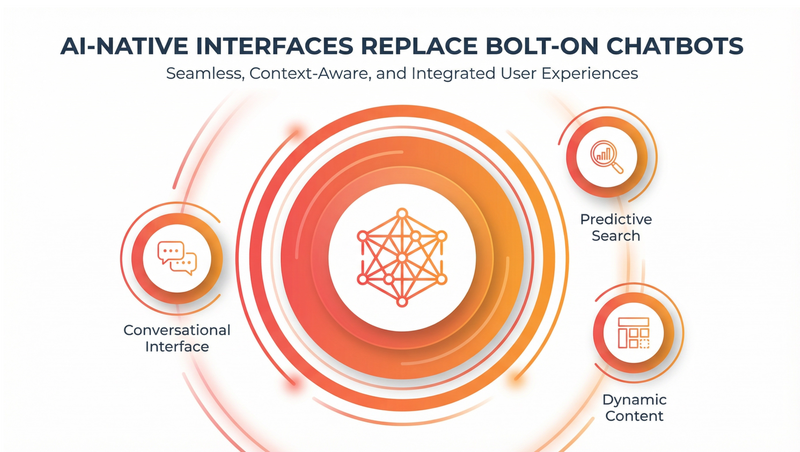
The chatbot era is over. In 2026, AI is no longer a widget in the corner of your website—it's embedded into the interface itself. Think predictive search that understands user intent before they finish typing, dynamic content that adapts to role and context, and conversational interfaces that feel like talking to a knowledgeable colleague, not a FAQ bot.
Why it matters for enterprise:
Large organizations have complex content ecosystems. A commercial real estate firm might have hundreds of properties, each with unique specs, availability, and lease terms. A manufacturer might have thousands of SKUs with technical documentation spread across multiple systems. Traditional navigation can't keep up. AI-native interfaces surface the right information at the right moment, reducing time-to-answer and improving conversion rates.
What to do about it:
Start with your most frequent user tasks. Where do people get stuck? Where do support tickets pile up? Build AI-driven experiences around those pain points. The key is integration—your AI needs access to real data from your CMS, CRM, and other enterprise systems. Headless architecture makes this possible by decoupling content from presentation, allowing AI to pull from a single source of truth.
ROI indicator:
We've seen AI-native search reduce internal support tickets by 40% and increase lead conversion by 15-20% in B2B environments.
2. Design Systems Become Governance Tools, Not Just Style Guides
What's changing:
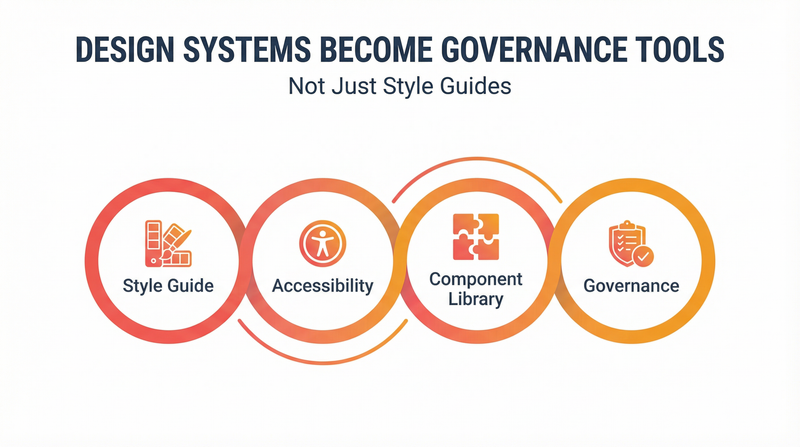
Design systems have been around for years, but in 2026, they're evolving from visual consistency tools into full governance frameworks. Modern design systems now include content guidelines, accessibility standards, component usage rules, brand compliance checks, and automated testing—all managed in a single source of truth.
Why it matters for enterprise:
If you're managing multiple brands, business units, or regional sites, you know the challenge: maintaining brand consistency while empowering local teams. A proper design system makes this possible. It's the difference between a brand that feels cohesive across 50 properties and one that looks like it was built by 50 different agencies.
What to do about it:
Audit your current design and content assets. Where are the inconsistencies? Where do teams duplicate work because they can't find the right component? Build a design system that lives in code, not in a PDF. Tools like Storybook or Figma can serve as your single source of truth, with components that sync directly to your headless CMS.
At Dotfusion, we use atomic design methodology to build design systems that scale. Start with the smallest elements (buttons, typography, colors), combine them into components (cards, forms, navigation), and assemble those into templates. This approach has helped clients like Oxford Properties maintain consistency across hundreds of commercial properties.
ROI indicator:
Design systems typically reduce design and development time by 30-50% and cut QA cycles in half.
3. Inclusive Design Moves From Compliance to Competitive Advantage
What's changing:
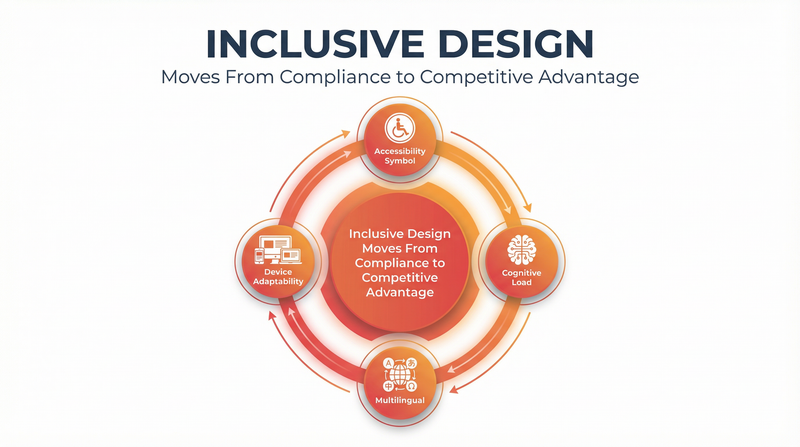
Accessibility is no longer a checkbox at the end of the project. In 2026, inclusive design—designing for the widest possible range of users from the start—is recognized as good business. This includes accessibility for users with disabilities, but also considers cognitive load, multilingual support, and adaptability for different devices and contexts.
Why it matters for enterprise:
Accessible design isn't just about legal compliance (though that matters, especially with stricter ADA enforcement). It's about reaching a larger audience. One in four adults in the U.S. has a disability. If your digital experience excludes them, you're leaving revenue on the table. Plus, accessible design often results in better UX for everyone—clear navigation, readable typography, and logical information architecture benefit all users.
What to do about it:
Integrate accessibility testing into your UX process from day one. Use automated tools like Axe or WAVE, but also conduct real user testing with people who rely on assistive technologies. Focus on semantic HTML, keyboard navigation, color contrast, and screen reader compatibility.
At Dotfusion, we build accessibility into our design systems and conduct WCAG 2.1 AA audits as part of every enterprise project. This approach has helped clients in regulated industries like financial services meet compliance requirements while improving overall user satisfaction.
ROI indicator:
Accessible websites see 10-20% increases in conversion rates and significant reductions in legal risk.
4. Performance Is the New Baseline—Sub-Second Load Times Are Table Stakes
What's changing:
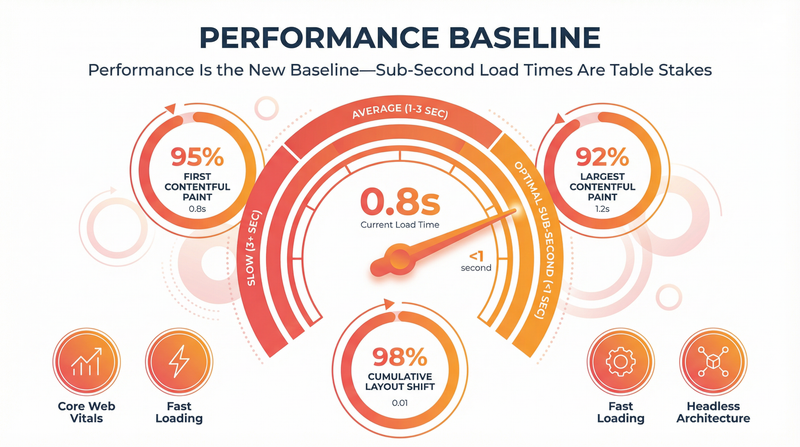
Page speed has always mattered, but in 2026, user expectations have tightened. A three-second load time used to be acceptable. Now, anything over one second feels slow. With Core Web Vitals influencing search rankings and bounce rates, performance isn't a technical concern—it's a UX priority.
Why it matters for enterprise:
Enterprise websites are heavy. You have rich media, complex integrations, personalization engines, analytics tags, and marketing automation scripts. All of this adds weight. But slow sites lose users—53% of mobile visitors abandon a page that takes more than three seconds to load. For B2B sites, that's not just a visitor lost; it's a qualified lead walking away.
What to do about it:
Move to headless architecture. By decoupling your frontend from your CMS, you can build lean, fast experiences using modern JavaScript frameworks like Next.js or Gatsby. These frameworks support static site generation and incremental static regeneration, delivering near-instant page loads.
We've migrated clients from legacy platforms like Adobe Experience Manager and Sitecore to headless CMS solutions (Agility, Contentful, Storyblok), cutting page load times from 5-7 seconds to under one second. The impact on user engagement and search rankings is immediate.
ROI indicator:
A one-second improvement in load time can increase conversions by 7% and reduce bounce rates by 20%.
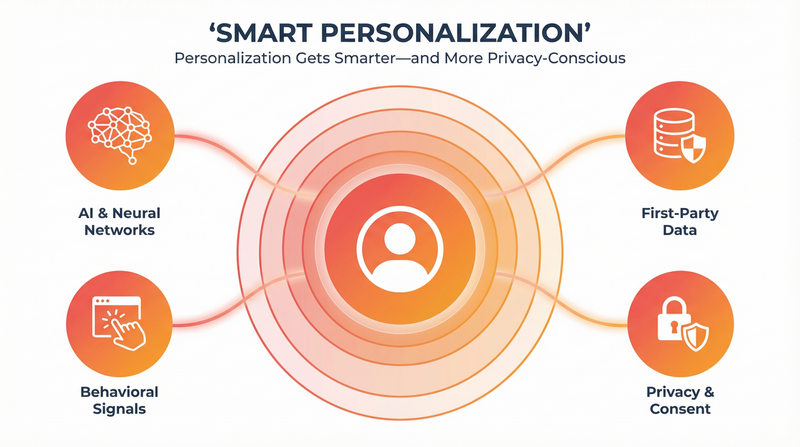
5. Personalization Gets Smarter—and More Privacy-Conscious
What's changing:
Personalization is evolving from basic demographic segmentation (location, device type) to real-time behavioral and contextual personalization powered by AI. But it's happening in a post-cookie world. With third-party cookies phased out and privacy regulations tightening, personalization now relies on first-party data, contextual signals, and user consent.
Why it matters for enterprise:
B2B buyers expect tailored experiences. A CFO researching ERP solutions doesn't want to see the same content as an IT manager evaluating integration tools. Personalization increases engagement, shortens sales cycles, and improves conversion rates—but only if it's done right. Creepy or irrelevant personalization erodes trust.
What to do about it:
Start with role-based personalization using declared data (job title, industry, company size). Combine this with behavioral signals (pages viewed, content downloaded, time on site) to refine the experience. Use a composable architecture that connects your CMS, CDP (customer data platform), and marketing automation tools.
At Dotfusion, we've built personalized experiences for financial services clients that tailor content based on user role, regional regulations, and engagement history—all while respecting privacy and maintaining GDPR/CCPA compliance.
ROI indicator:
Effective personalization can increase engagement by 20-40% and improve lead quality scores by 30%.
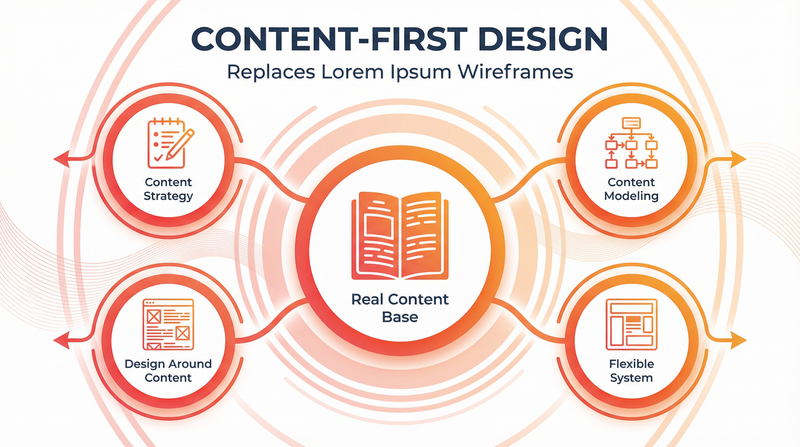
6. Content-First Design Replaces Lorem Ipsum Wireframes
What's changing:
Too many enterprise UX projects start with wireframes filled with placeholder text, then try to shoehorn real content in later. In 2026, leading UX teams are flipping the process: they start with actual content, then design around it. This "content-first" approach results in interfaces that feel natural and purposeful, not forced.
Why it matters for enterprise:
Enterprise content is complex. You have legal disclaimers, regulatory disclosures, technical specifications, and multilingual variations. If you design without considering this reality, you end up with designs that break when real content is added. Content-first design prevents this by treating content as a design material, not an afterthought.
What to do about it:
Involve content strategists and writers early in the UX process. Before you wireframe, define your content model: What types of content do you have? What metadata do you need? How will content be structured, tagged, and governed? Then design interfaces that accommodate real content variations.
We use this approach with every client. For Oxford Properties, we mapped out property data, amenity descriptions, location information, and availability specs before designing a single wireframe. The result was a flexible, scalable design system that works across hundreds of properties without breaking.
ROI indicator:
Content-first design reduces redesign cycles by 40% and cuts content migration time by half.
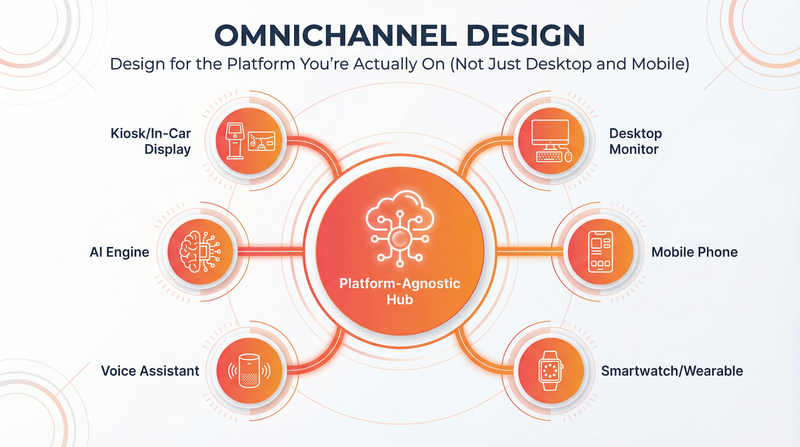
7. Design for the Platform You're Actually On (Not Just Desktop and Mobile)
What's changing:
Responsive design used to mean "works on desktop, tablet, and mobile." In 2026, it means designing for wearables, voice interfaces, kiosks, in-car displays, and AI answer engines like ChatGPT and Perplexity. Your brand needs to show up wherever your audience is—and that's no longer just a browser.
Why it matters for enterprise:
B2B buyers don't follow a linear path. They might start research on a mobile device during their commute, ask an AI assistant for recommendations, visit your site on desktop, then check specs on a tablet during a meeting. If your UX only works in one context, you're losing them.
What to do about it:
Design with platform agnostic content in mind. Use a headless CMS so your content can be delivered to any endpoint—web, mobile app, voice assistant, or AI engine—without reformatting. Think about how your information architecture translates across channels. A navigation menu that works on desktop might need to be restructured for voice or AI search.
At Dotfusion, we've built omnichannel experiences for clients in manufacturing and financial services, ensuring their content is discoverable and usable across every touchpoint. This includes optimizing for Answer Engine Optimization (AEO)—making sure your brand appears in AI-generated answers when buyers ask questions.
ROI indicator:
Omnichannel experiences increase customer lifetime value by 30% and improve brand recall by 25%.
What This Means for Your Digital Transformation Strategy
These trends aren't isolated. They're interconnected. AI-native interfaces need fast, headless architectures. Personalization requires strong governance and design systems. Inclusive design works best with content-first approaches. The through-line is this: modern enterprise UX is strategic, not cosmetic.
If you're still running on legacy platforms like Adobe Experience Manager, Sitecore, or WordPress, you're fighting an uphill battle. These monolithic systems weren't built for AI integration, sub-second performance, or omnichannel delivery. They're holding you back.
At Dotfusion, we help enterprises modernize to headless and composable architectures that support these UX trends out of the box. We've done it for commercial real estate leaders, global manufacturers, and financial services firms—companies that can't afford downtime or half-measures.
Our full-service approach includes strategy, world-class UX/UI design, engineering, and content migration. We don't just hand you a design and walk away. We build it, launch it, and make sure it works at scale.
Ready to Build World-Class Enterprise UX?
If these trends resonate with your digital transformation challenges, let's talk. We've been doing this for 27 years, and we've learned what works—and what doesn't—when you're operating at enterprise scale.
Contact us to discuss your UX strategy, or explore our case studies to see how we've helped clients like Oxford Properties, Moneris, and Brookfield build digital experiences that drive real business results.
About Dotfusion
Dotfusion is a Certified B Corporation specializing in enterprise digital transformation. For over 25 years, we've helped large-scale organizations modernize from legacy platforms to headless and composable architectures. Our full-service approach combines strategic insight, world-class UX/UI design, and advanced engineering to deliver scalable, fast, and future-ready digital experiences.